Customer support
Help with Mémoires
Where are my journals or entries?
Mémoires stores your journals in files: one file per journal. (Every journal can contain unlimited number of entries.) It stores your journals exactly where you saved them (when you clicked File > Save, or pressed Cmd+S), and you can open them by clicking File > Open Journal or by double-clicking the journal file in Finder.
If you are unfamiliar with how files and folders work on Mac, you can learn how to use macOS by reading this Apple's guide.
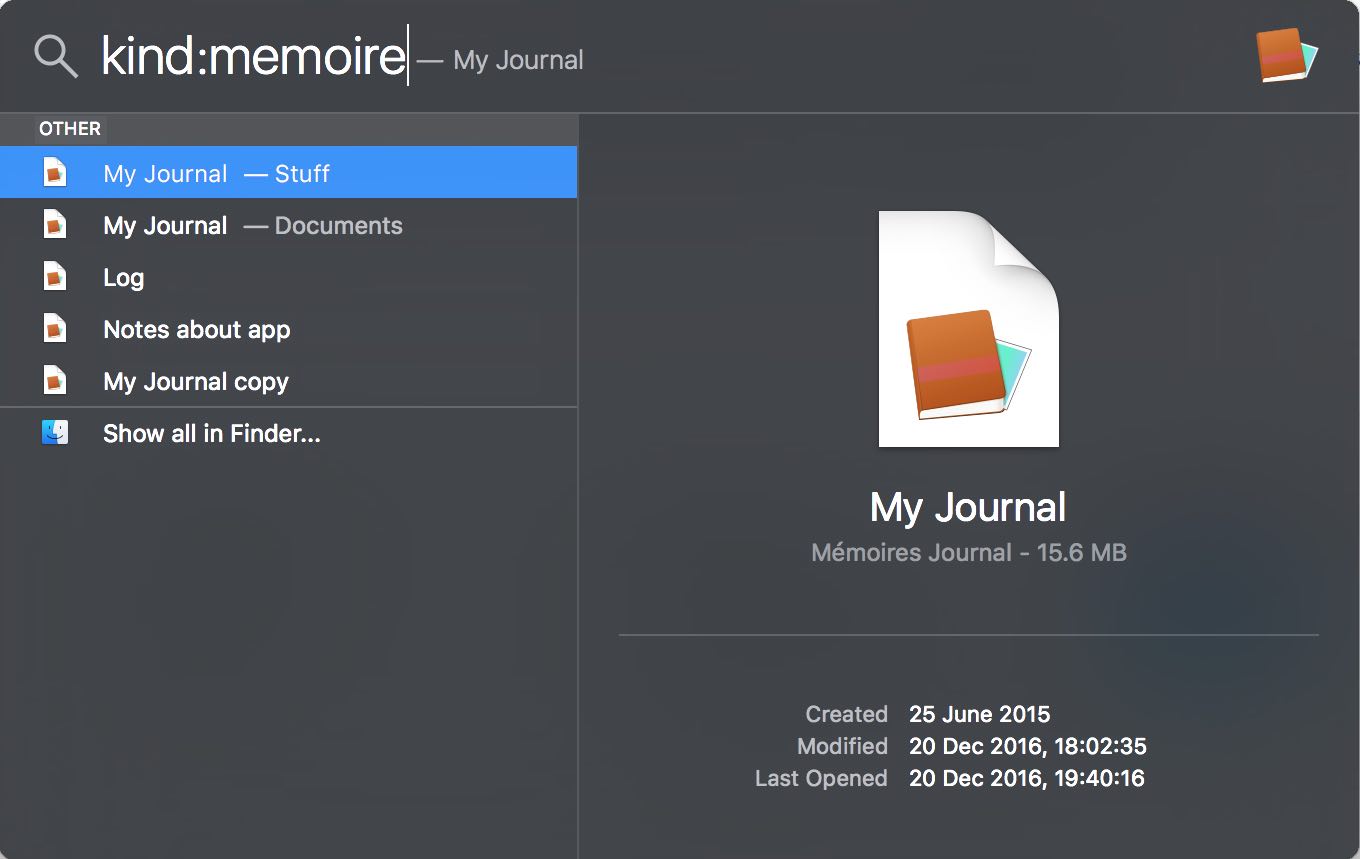
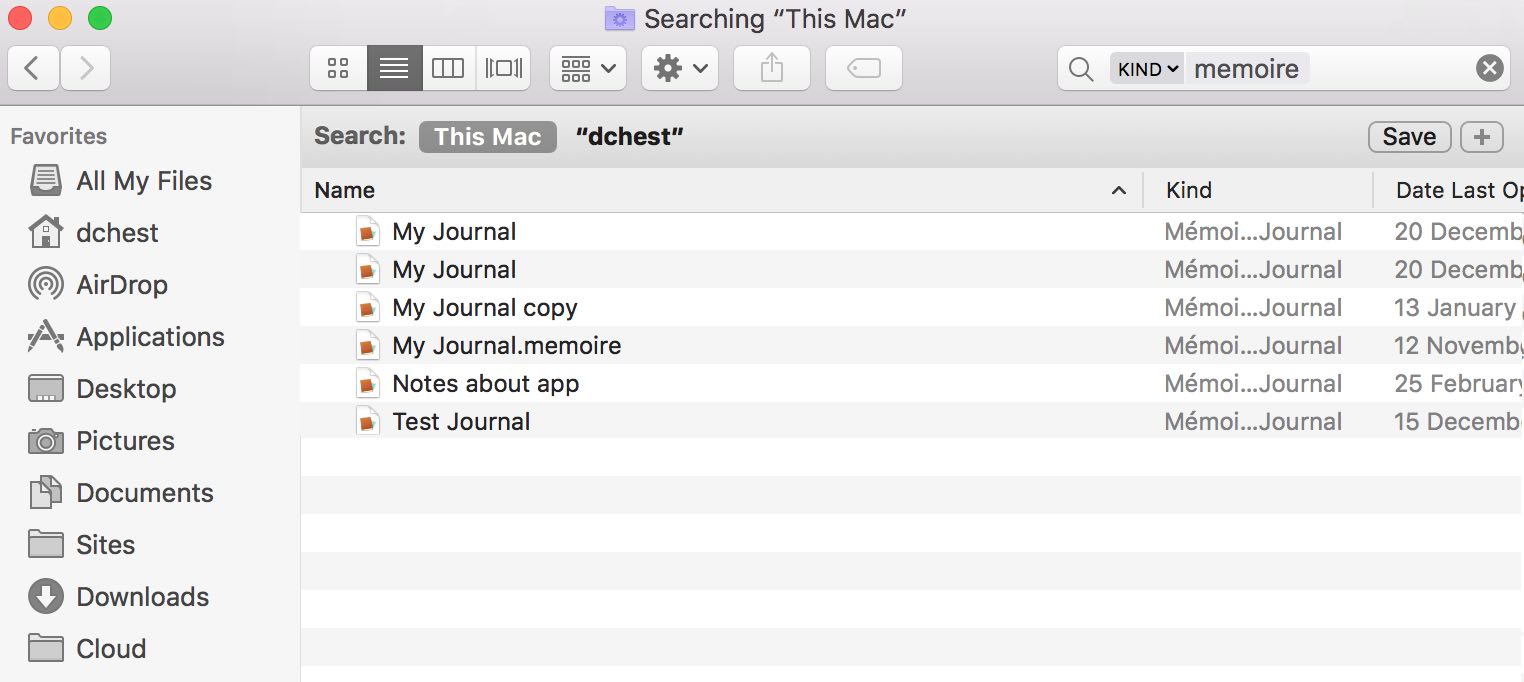
If you forgot where you saved your journal, you can search for all
Mémoires journals on your computer with Spotlight or Finder
by entering kind:memoire query: